The #1 Gallery Wall Planner & Layout Generator App for iOS
GalleryWall is an iOS app that lets you design, arrange, and preview custom picture wall layouts in real time and provides exact nail coordinates so your frames hang perfectly on the first try.
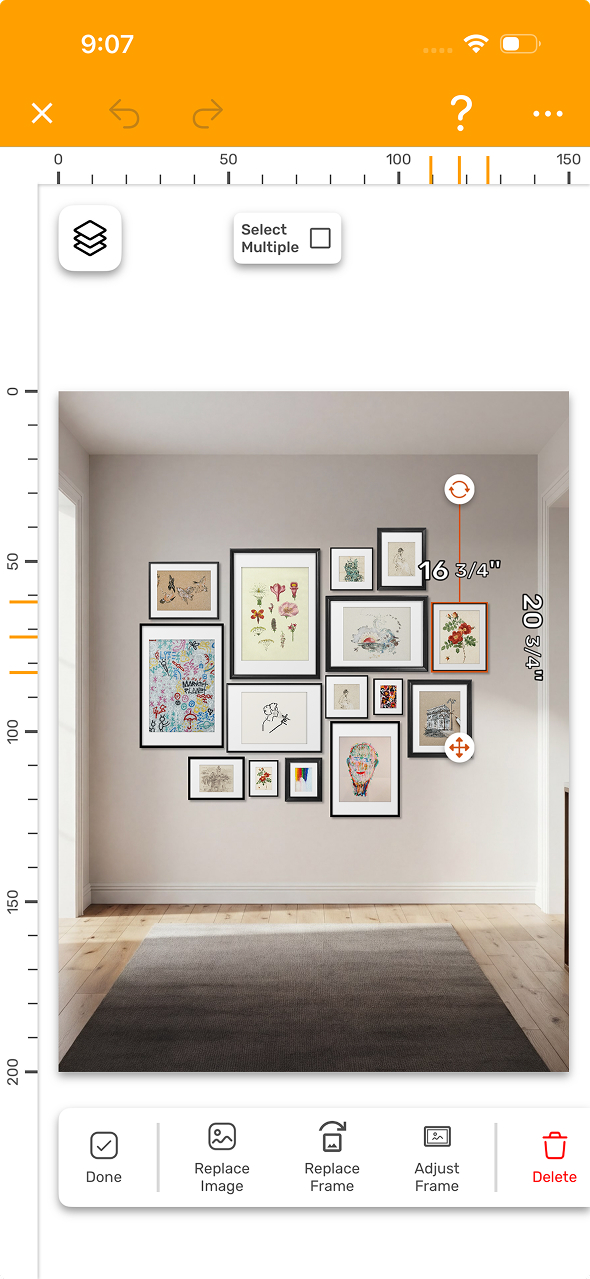
GalleryWall takes the stress out of creating gallery walls by bringing the entire design process onto your iPhone or iPad. Users can measure their wall, add real-world obstacles like doors or TVs, test custom frame dimensions or IKEA presets, preview personal artwork in real time, and generate balanced arrangements with AI. Once a layout is finalized, GalleryWall calculates exact x/y hook coordinates relative to the wall corners—eliminating paper templates, extra nail holes, and guesswork.
Creating a gallery wall is one of the most popular home decor projects, yet it is notoriously frustrating. Traditionally, people lay out heavy frames on the floor, tape paper cutouts to their walls, or resort to trial-and-error drilling that leaves behind unwanted holes in plaster and paintwork.
GalleryWall was created to bridge the gap between interior design inspiration and flawless real-world hanging. Built with precision digital canvas tools, the app accounts for exact wall dimensions, backdrop colors, room obstacles, staircases, and mat borders. With smart AI layout generation, users can instantly discover harmonious arrangements for any frame collection, test their own artwork and photos inside digital frames, and get step-by-step hanging blueprints with millimeter-exact nail coordinates. Today, GalleryWall empowers homeowners, renters, and interior designers worldwide to turn empty walls into stunning personal displays with complete confidence.
Input exact wall measurements, choose wall backdrop colors, and place real obstacles like doors, windows, TVs, and sofas to plan around your actual living room environment.
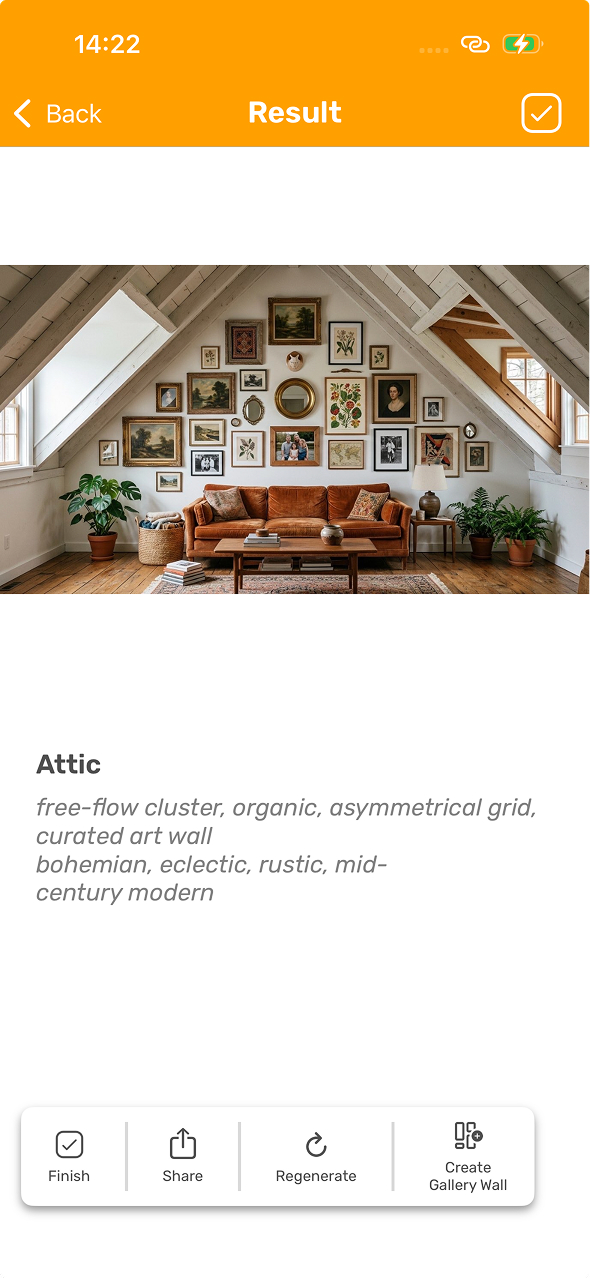
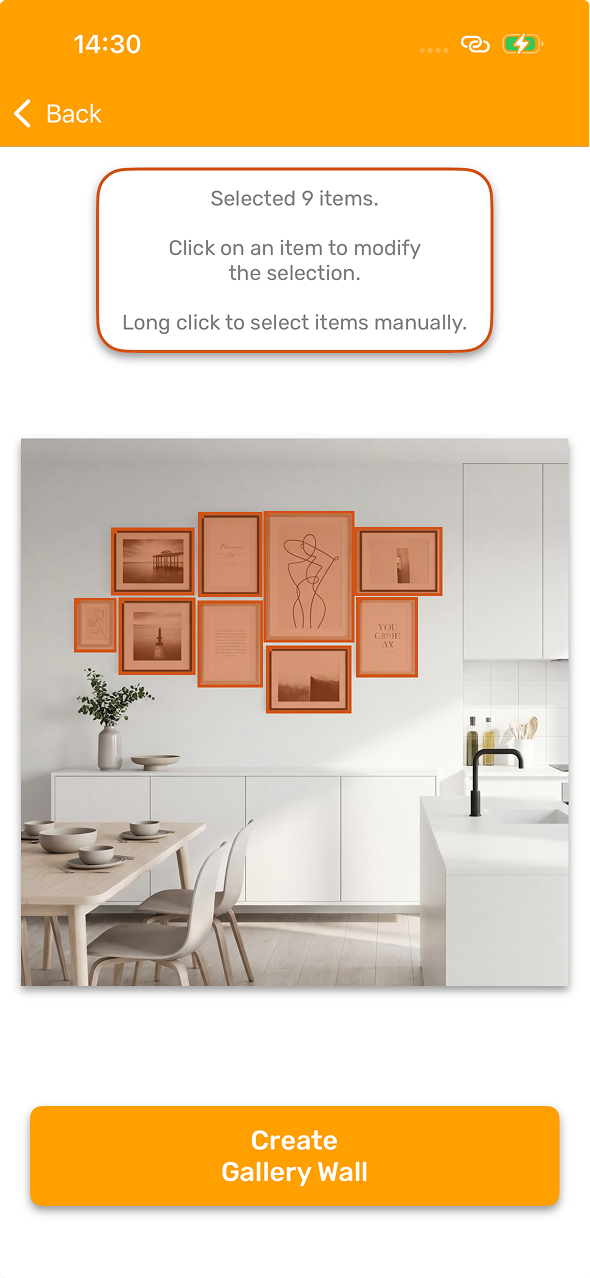
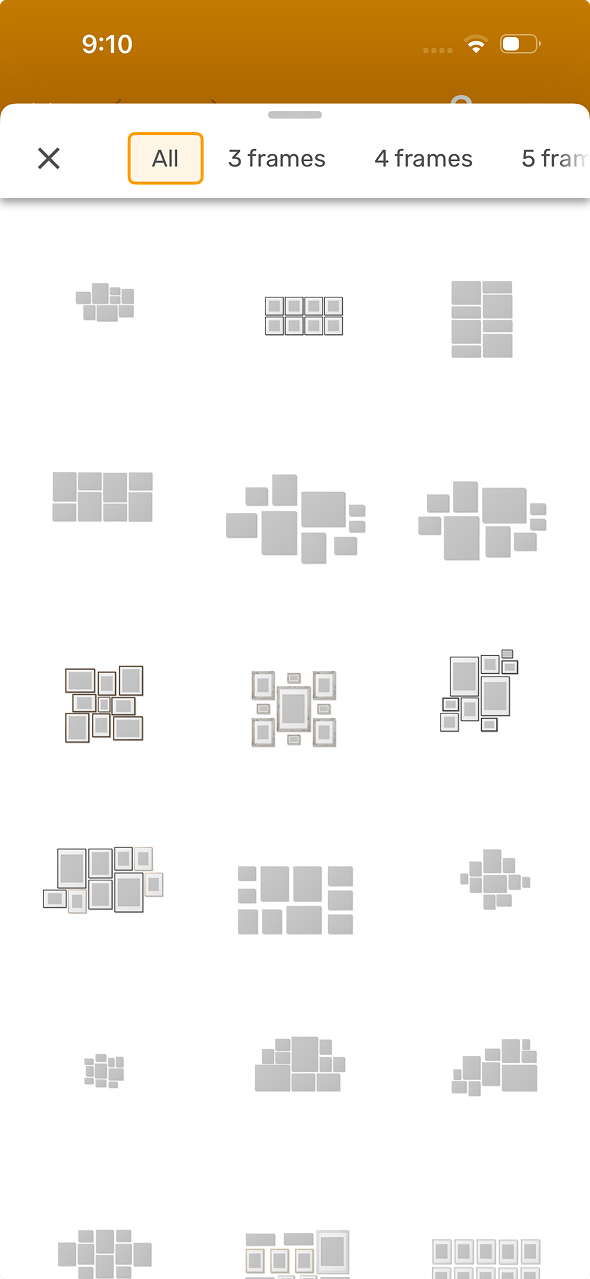
Instantly transform a mix of frame sizes into balanced, proportional layouts—from classic symmetry and grid patterns to organic eclectic clusters.
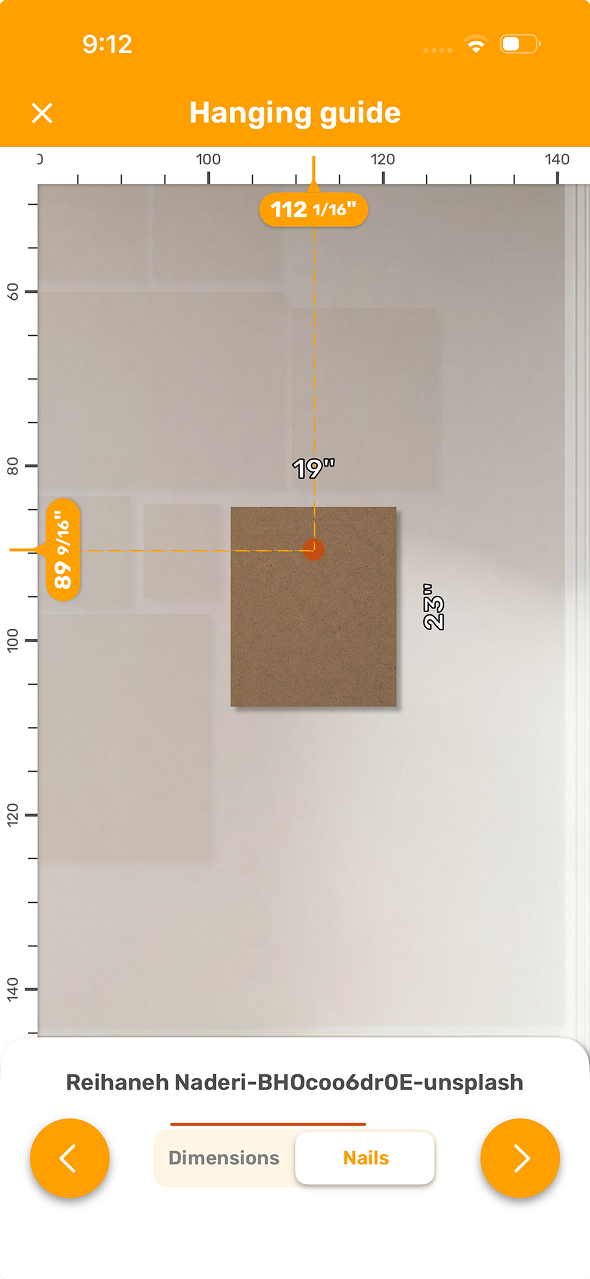
Calculates precise x/y coordinates for every nail and hook relative to the wall corners. Measure once, mark, and hang frames right on the first try.
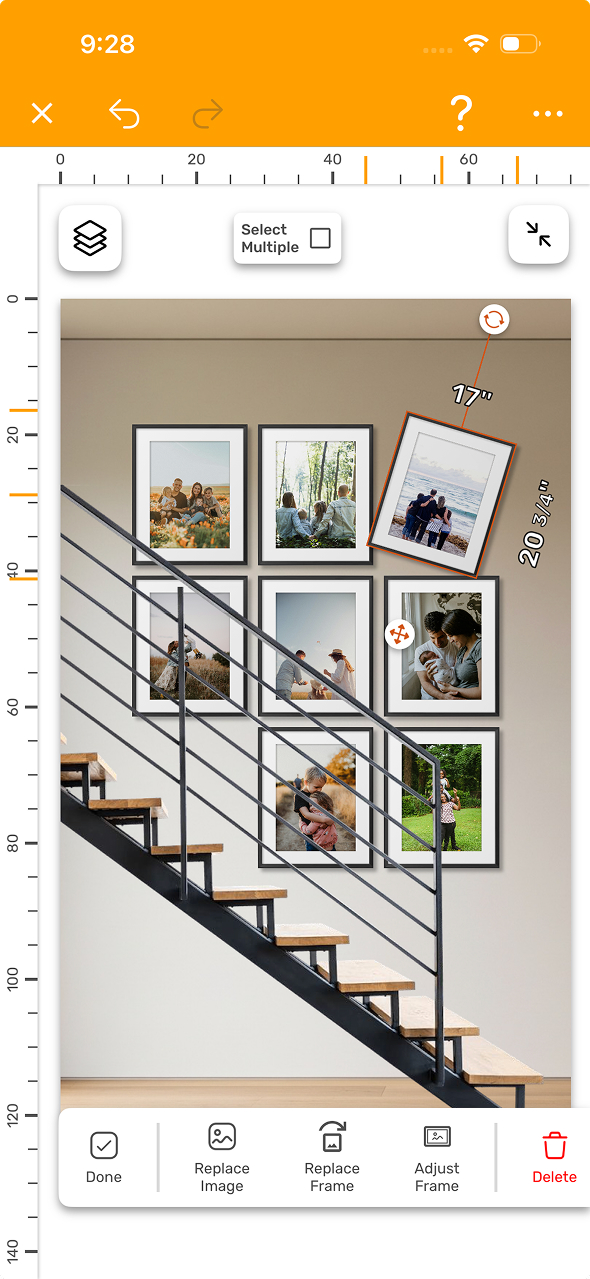
Dedicated tool with angled guidelines keeps frame spacing parallel and perfectly aligned along staircases.
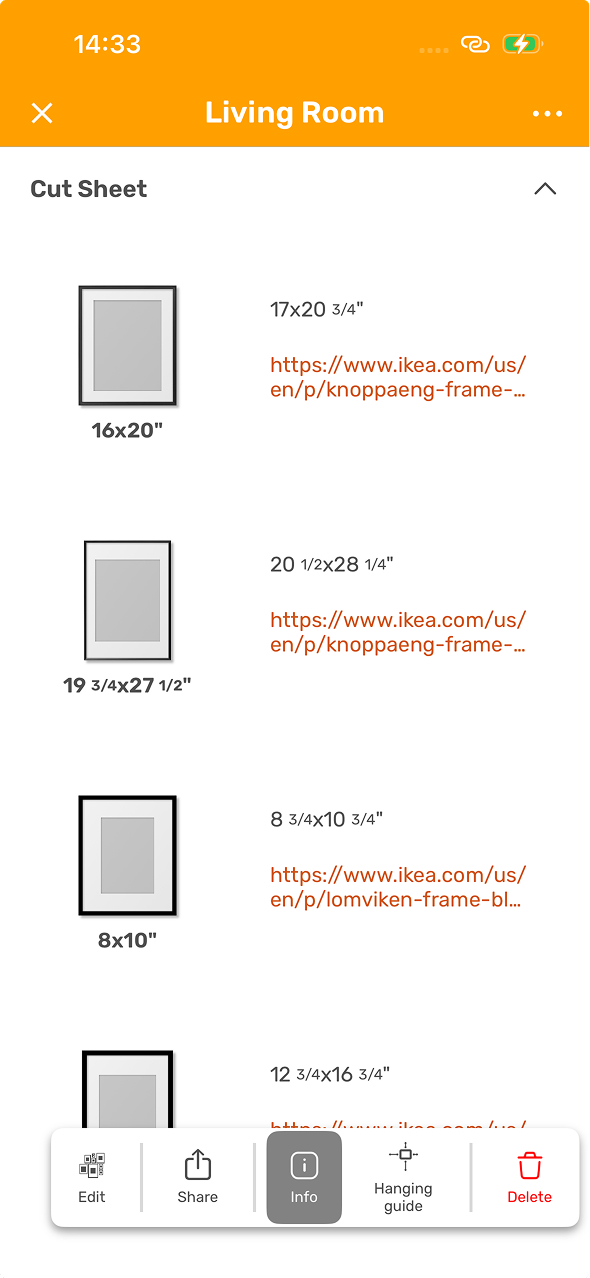
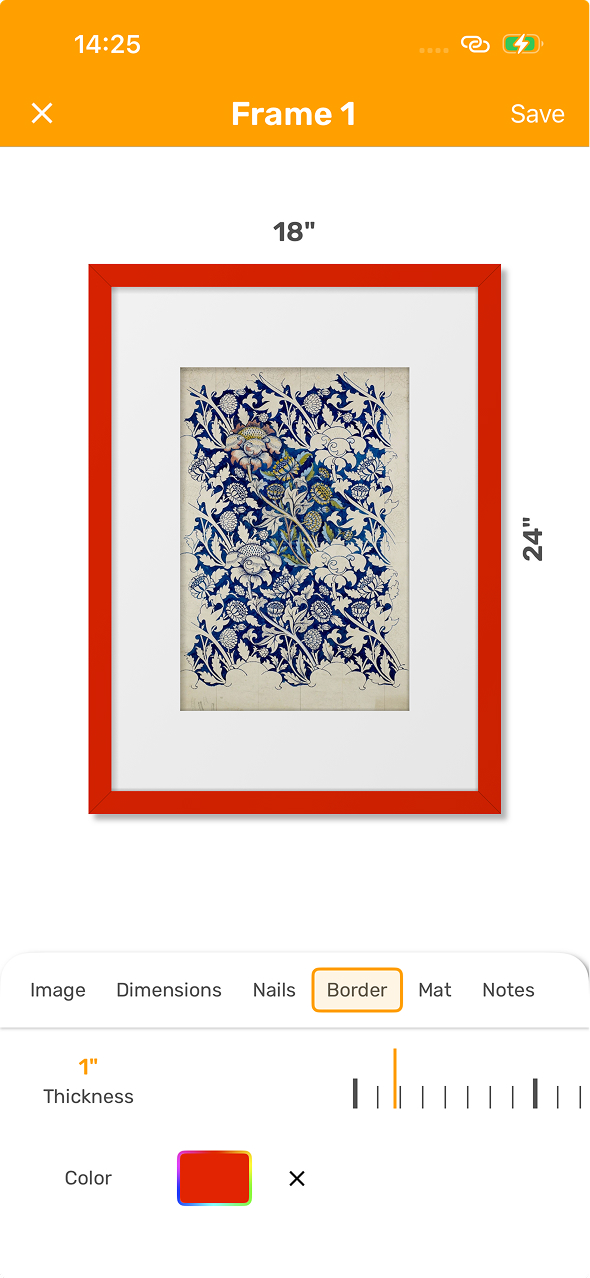
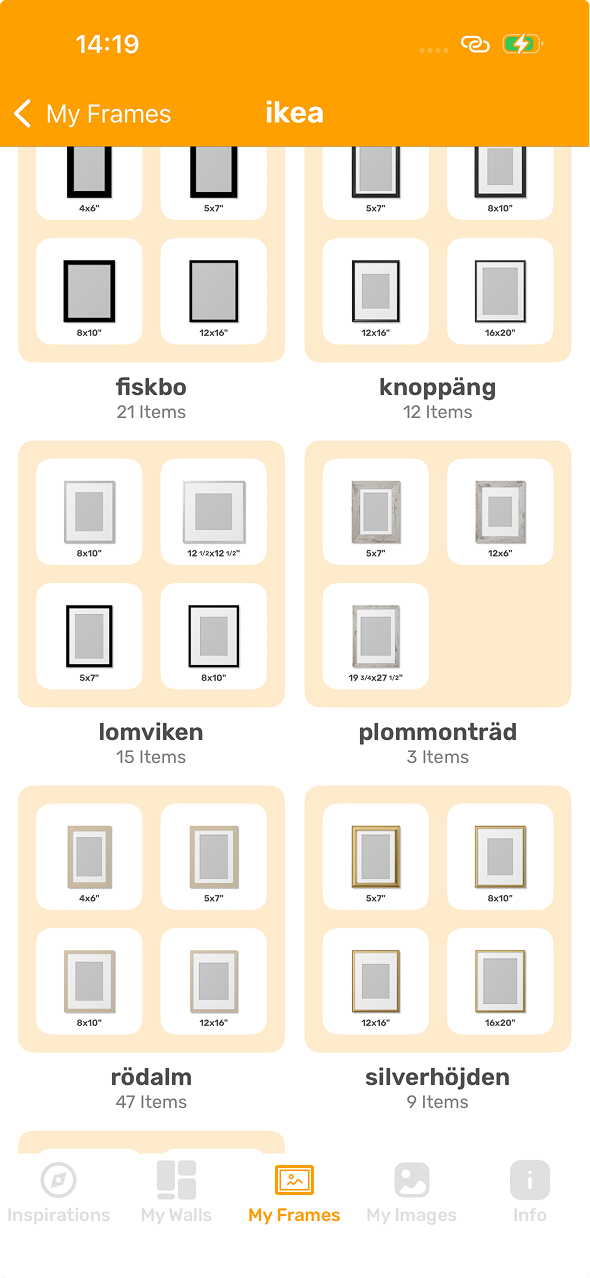
Choose pre-configured sizes from popular collections like IKEA Fiskbo, Lomviken, and Rödalm with mat borders, or enter custom dimensions for any frame.
Import personal photos and art directly into digital frames to test crops, color harmony, and overall room aesthetics before printing or drilling.
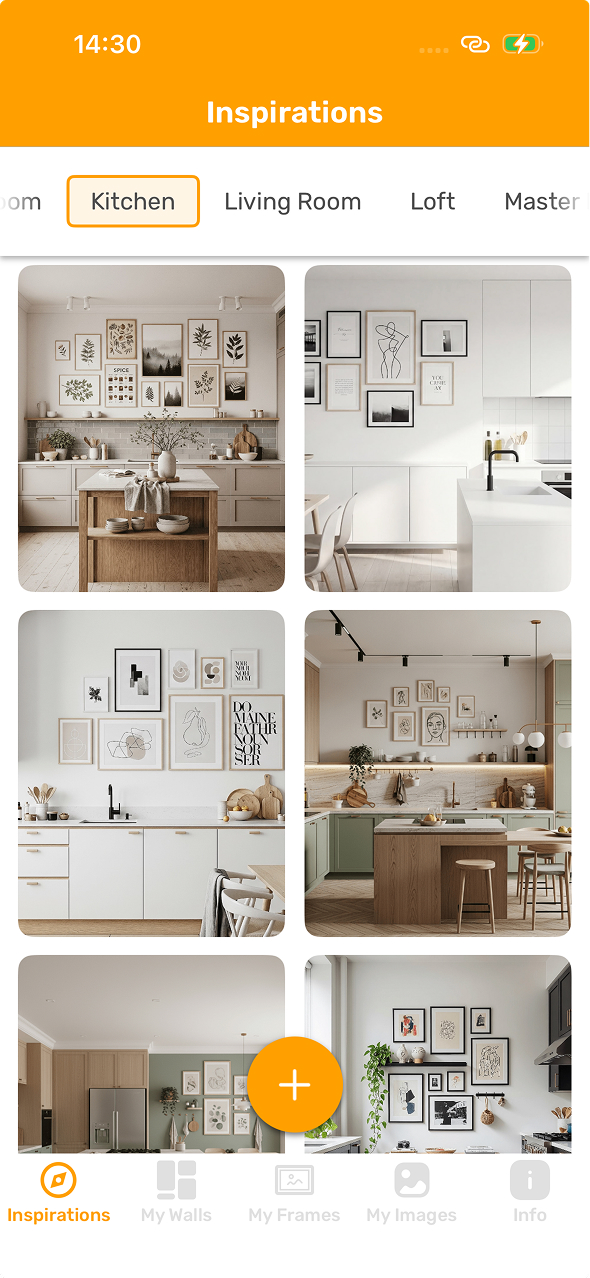
Full-resolution iOS app screenshots showcasing core features and user interface flows.
Official GalleryWall logos, wordmark, and app icon variants in vector and raster formats.

Indie Mobile App Developer
I'm Balazs Vidumanszki, an indie mobile app developer based in Hungary. I'm working on different interior design apps.