
Transform your empty walls into a personal display of your favorite art and memories. GalleryWall app lets you test frame arrangements in real time, preview layouts before hanging, and get exact nail coordinates so your gallery wall goes up effortlessly on the first try.

From empty wall to drill-ready blueprint in minutes—see how GalleryWall simplifies every step of your project.
Input your exact wall dimensions and customize backdrop colors or wall textures. Add real-world obstacles like doors, windows, TVs, and sofas to ensure your layout fits your actual living space perfectly.
Browse curated starter templates and layout ideas designed by interior experts. Find a grid, symmetrical, or eclectic pattern that fits your room style and start customizing in seconds.
Forget the guesswork and extra nail holes. Our precision hanging guide calculates the exact hook and nail coordinates relative to your wall corners, guaranteeing flawless alignment on the first try.
Unsure where frames should go? Let our AI algorithm generate balanced, beautifully proportioned arrangements in seconds—from clean grid alignments to organic gallery clusters.
Planning with popular frames? Instantly add standard sizes from IKEA collections like Fiskbo, Lomviken, and Rödalm with exact mat and frame dimensions pre-configured.
Customize frame materials, matting widths, and border colors. Upload your own photos to preview realistic mockups before buying art or making holes.
Tackle challenging diagonal walls effortlessly. Design staircase gallery walls with angled guidelines that keep frame spacing parallel to your steps.
Have an inspiration photo from Pinterest or social media? Upload any image of a gallery wall you love, and GalleryWall will automatically detect the frames and convert it into a fully editable project canvas.
See why homeowners, interior design lovers, and art collectors trust GalleryWall to plan and hang their dream gallery walls.
A gallery wall is more than just decor—it's a curated collection of art, photographs, and memories that transforms a house into a home. Explore inspiration and layouts tailored to every room and aesthetic style.
Need ideas? Explore our curated gallery wall layouts →
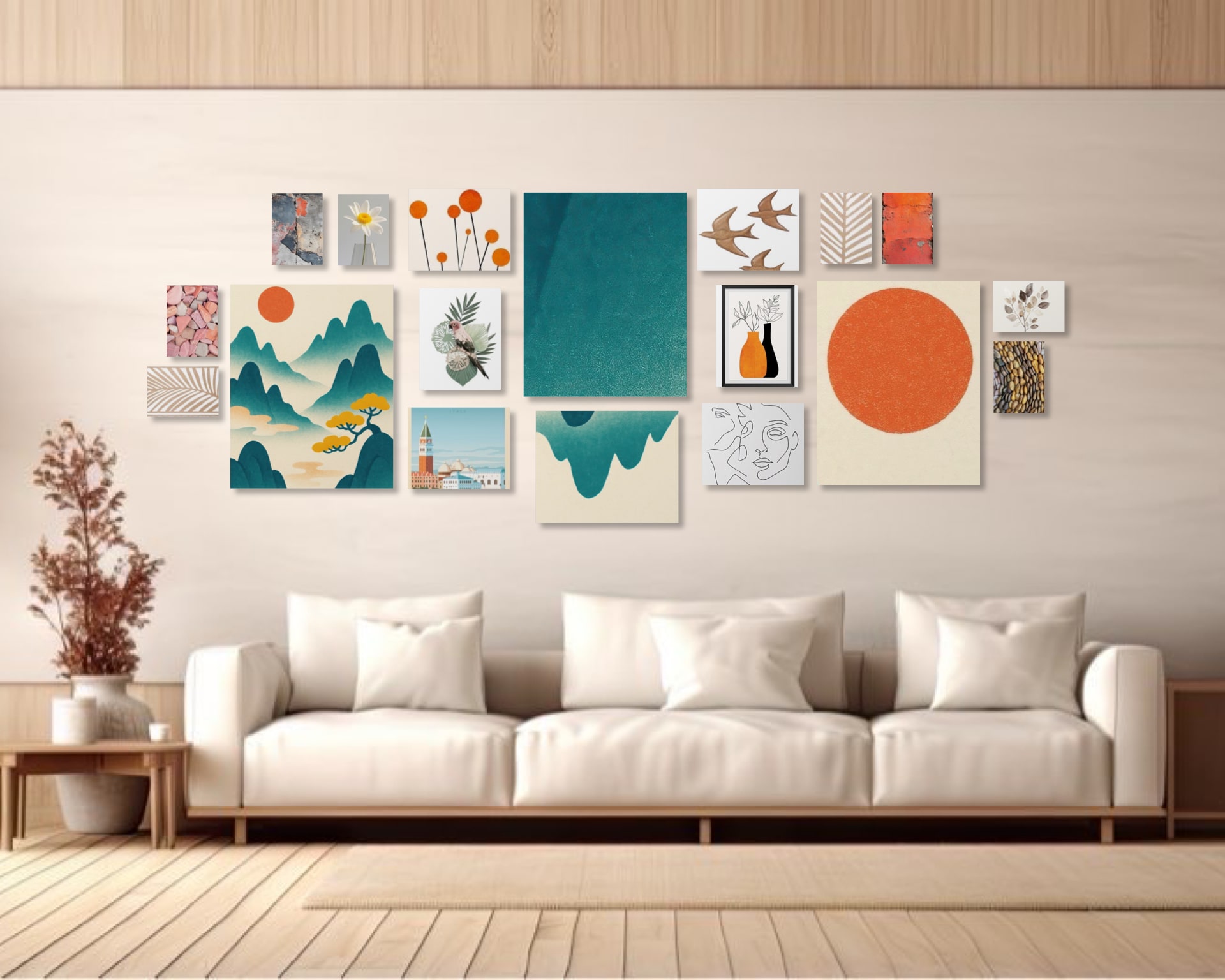
Design a focal point above your sofa or mantel. Mix statement art pieces, personal family photos, and complementary frames to anchor your main living space.
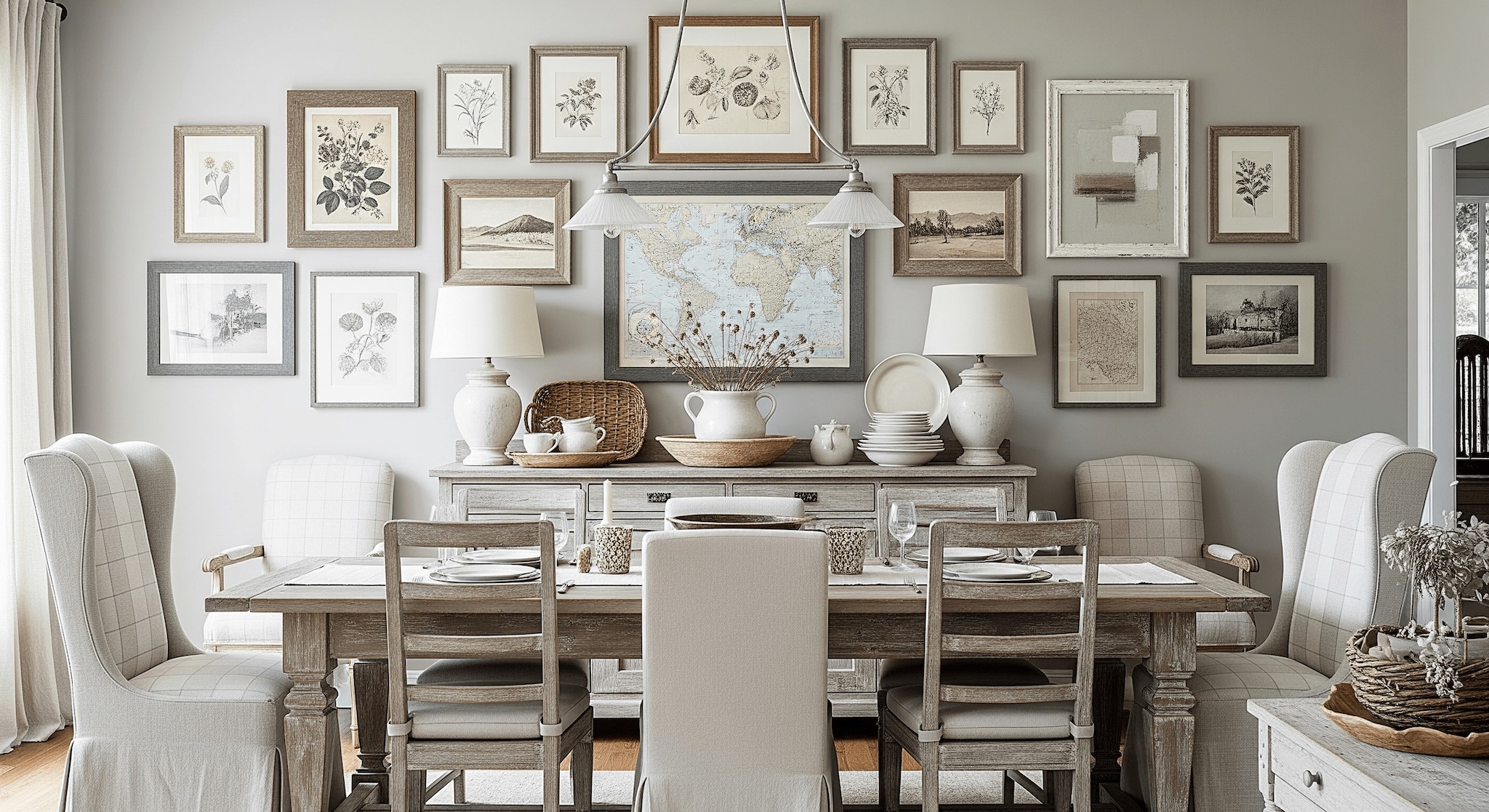
Set an inviting atmosphere for meals and gatherings. Complement your dining table with sophisticated grid layouts or warm, rustic art collections.
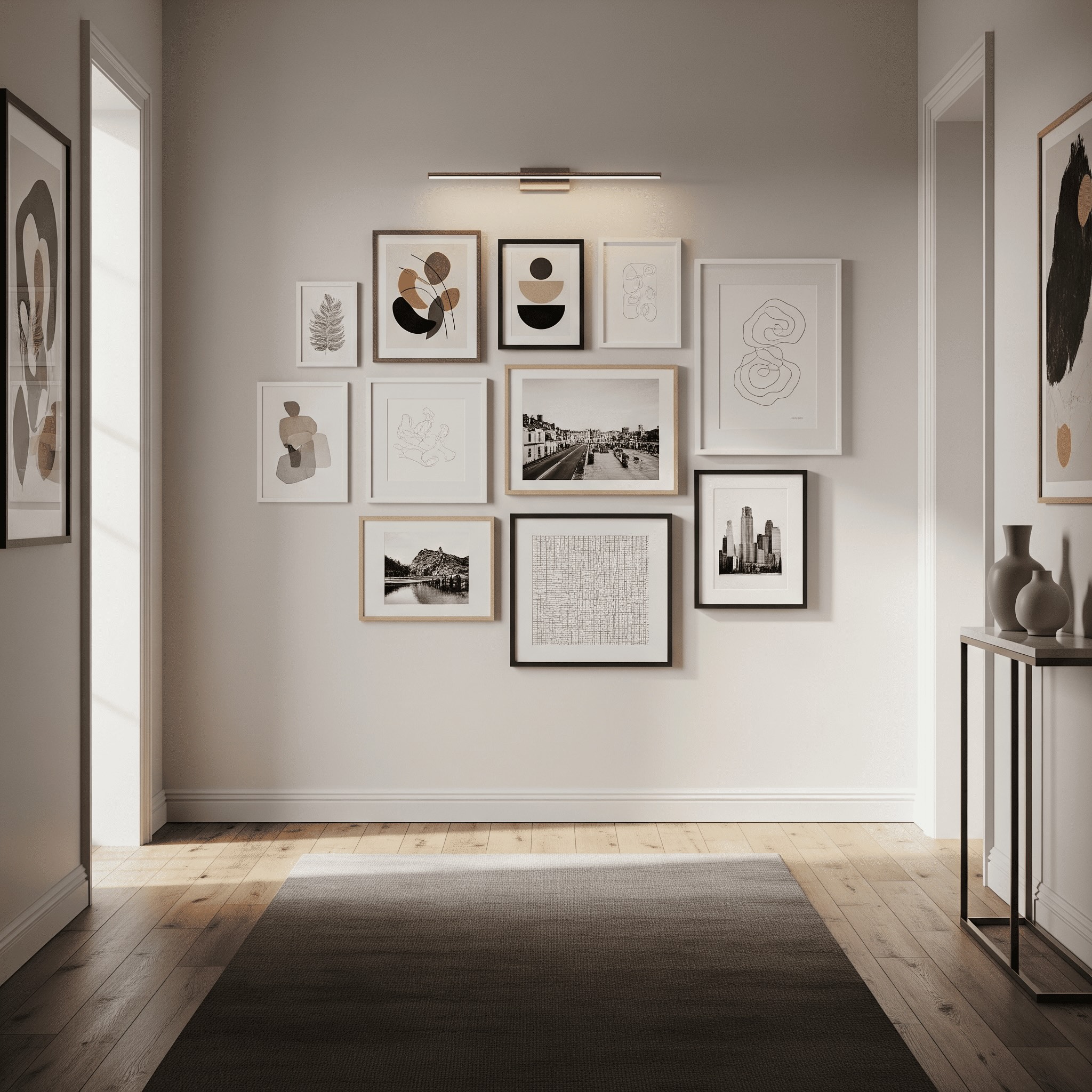
Turn narrow corridors and entryways into engaging art walks. Use linear frame alignment or vertical cascades to brighten pass-through spaces.
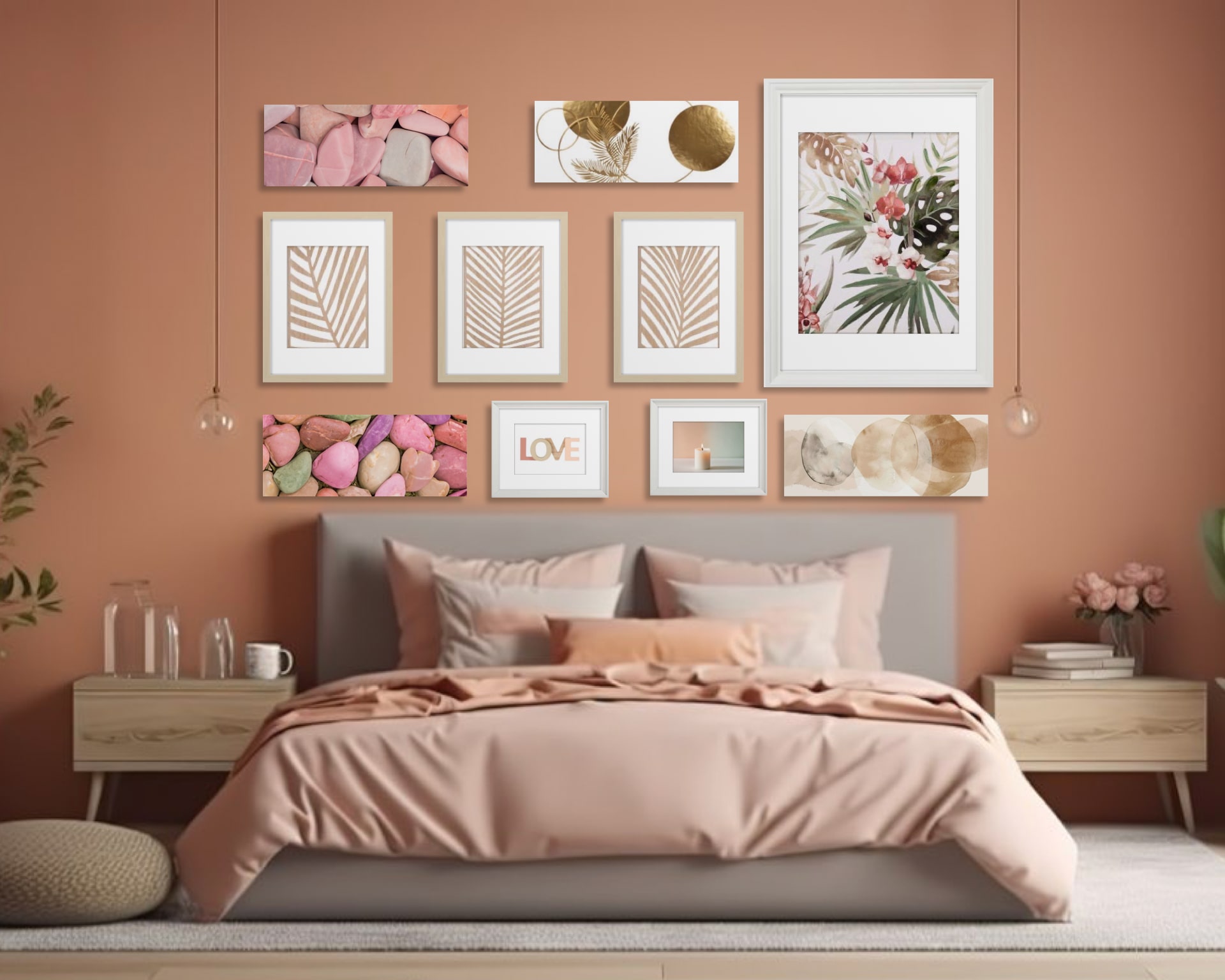
Create a soothing, personal retreat above your headboard. Choose calm color palettes, delicate art prints, and cozy frame arrangements for a serene feel.
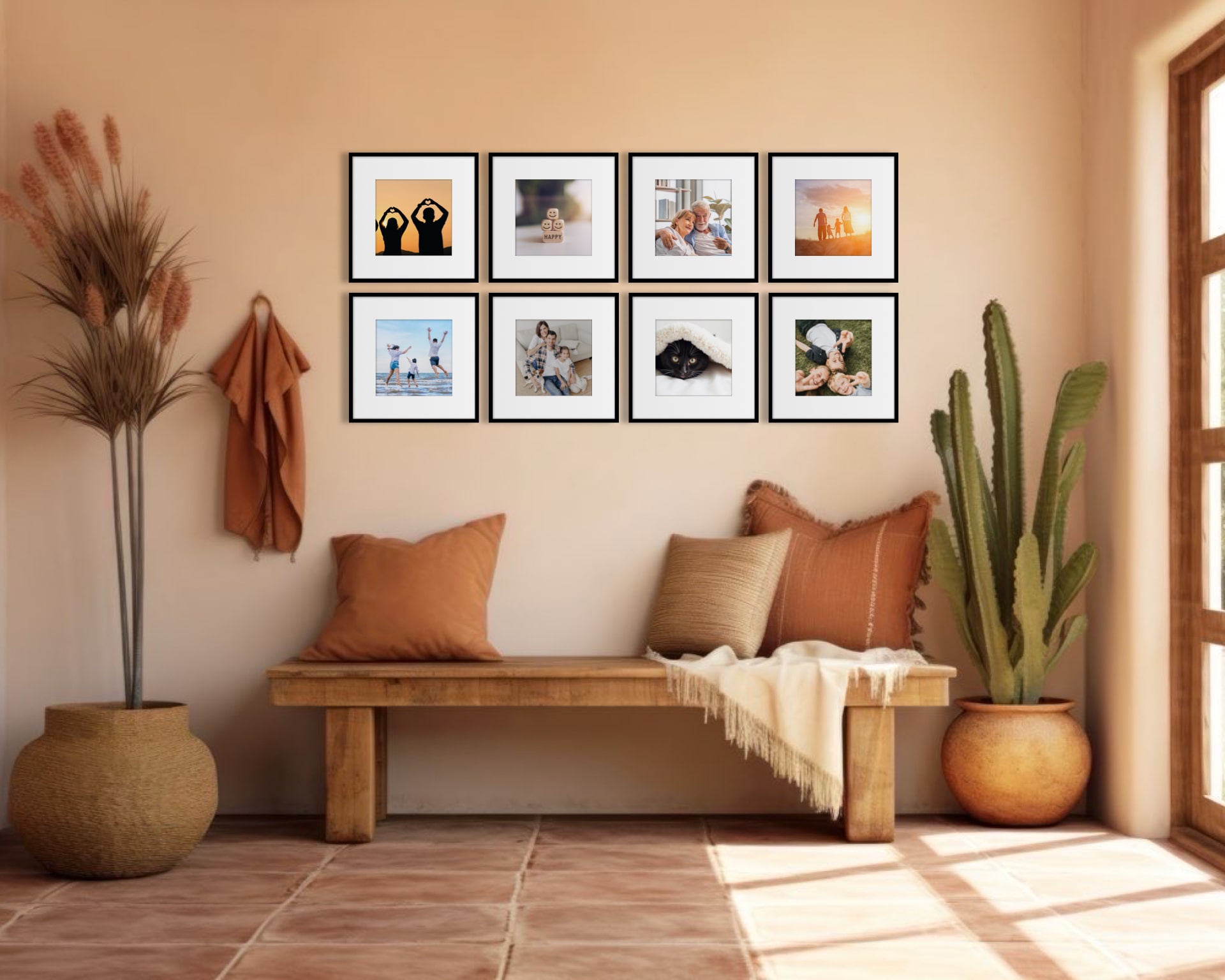
Transform your favorite family moments and milestone snapshots into a timeless narrative wall with balanced grid layouts or mixed frame styles.
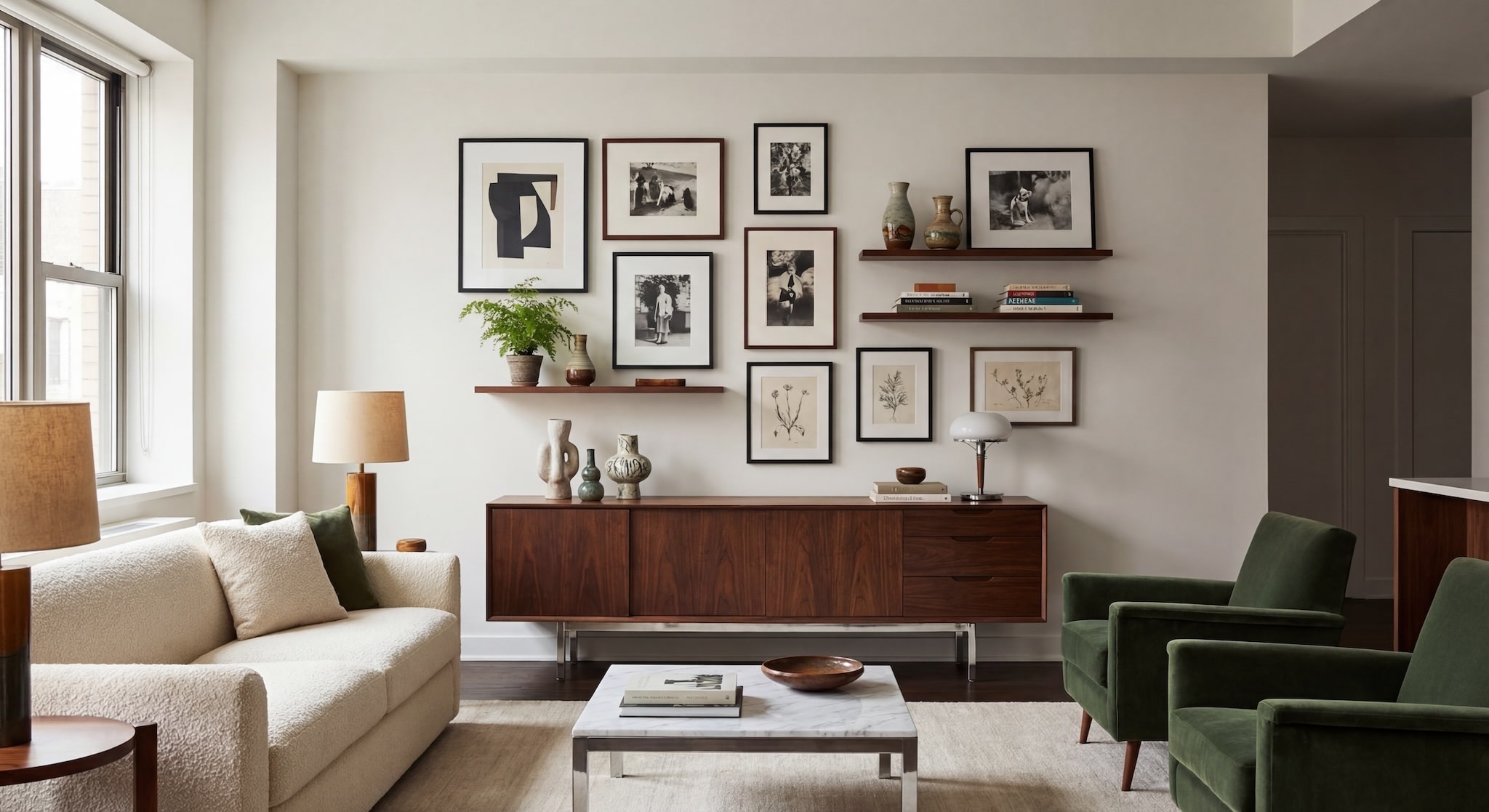
Infuse character and charm into your space with antique wood finishes, ornate gold accents, retro art prints, and nostalgic brass frames.
Have questions about GalleryWall? Here is everything you need to know.
GalleryWall features a precision Hanging Guide that calculates the exact coordinates for every nail and hook relative to your wall corners. You measure once, mark the calculated spot, and hang each frame accurately on the first try.
Yes! You can enter custom dimensions for any frame you already own, or choose from popular pre-configured collections like IKEA Fiskbo, Lomviken, and Rödalm with exact mat and border sizes pre-set.
If you aren't sure where each frame should go, the AI Layout Generator analyzes your collection of frames and generates balanced, aesthetically proportioned arrangements in seconds—from clean grid patterns to organic gallery clusters.
Absolutely. You can upload photos directly into your digital canvas frames to test crops, color harmony, and composition before printing art or making holes in your wall.
Yes. GalleryWall includes a dedicated Staircase Design tool with angled guidelines that keep frame spacing parallel and perfectly aligned along your steps.
GalleryWall is available as an app for iOS devices on the Apple App Store, optimized for seamless touch control, zooming, and on-the-go planning.
Yes. The Wall Editor allows you to place real-world objects like TVs, windows, doors, and furniture onto your canvas so your gallery wall is designed around your actual room layout.